1. Select the text to which you want to add a comment.
2. Choose the menu command: Tools > Comments > Add Comment.
A comment windoid appears in the left sidebar of your document.
3. Type the text of your comment.
4. Press the ⎋ key or click back into your document to resume working on the main text.
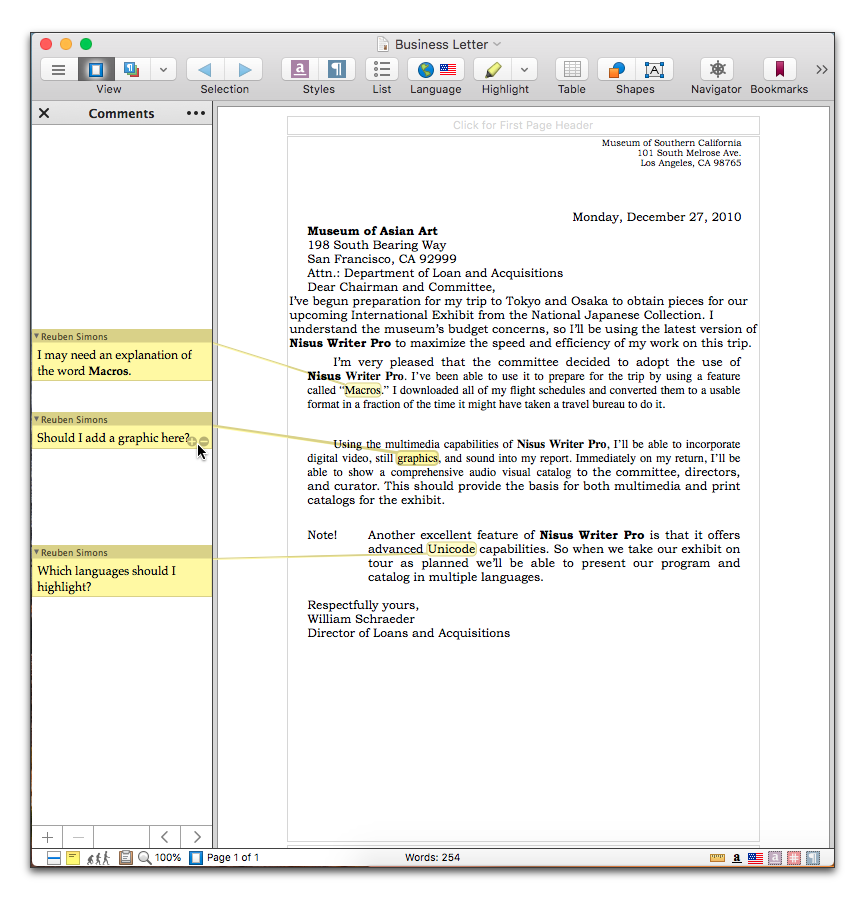
Figure 436
Comments added to a document
| Previous Chapter Use Comments |
<< index >> |
Next Chapter The Comments Interface |